



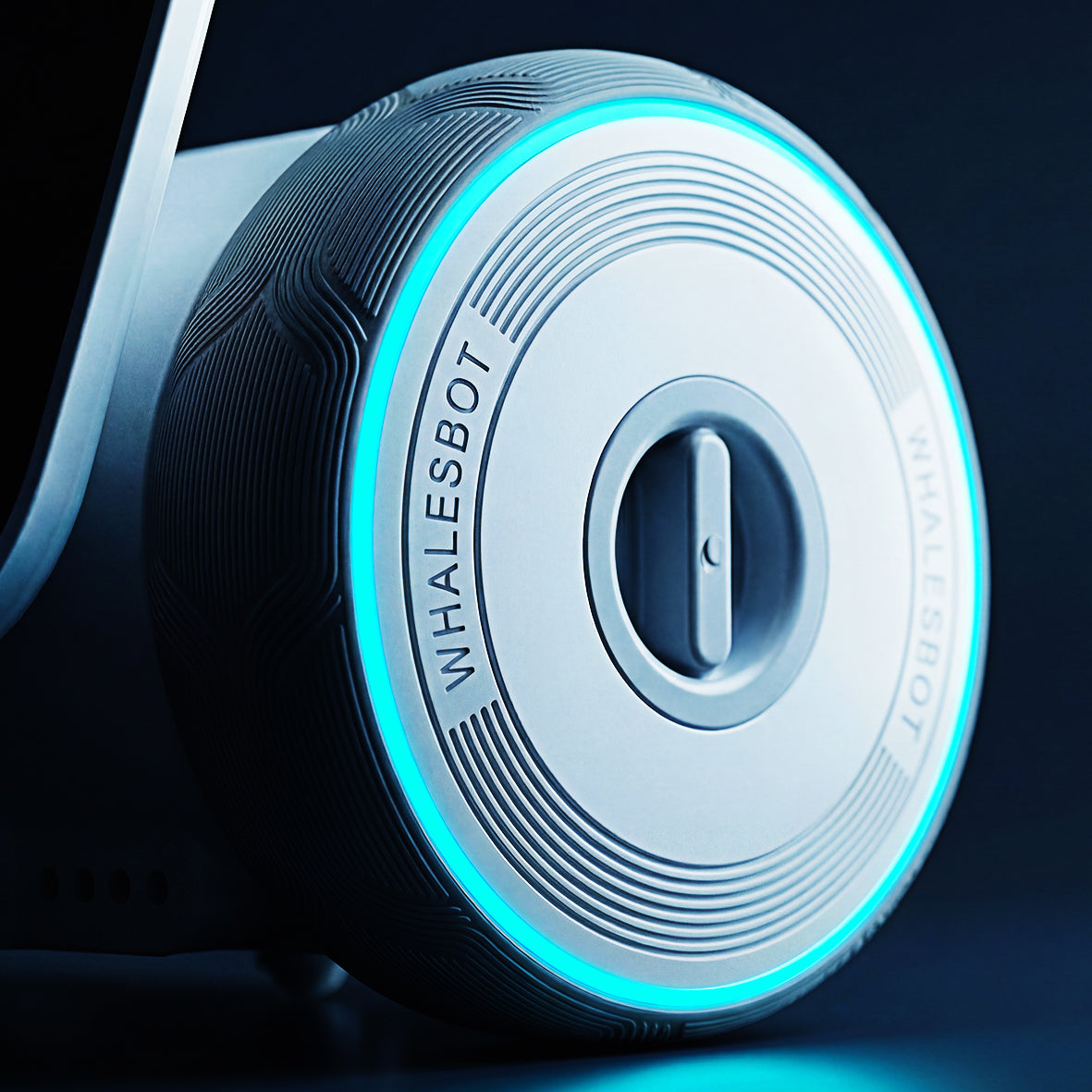

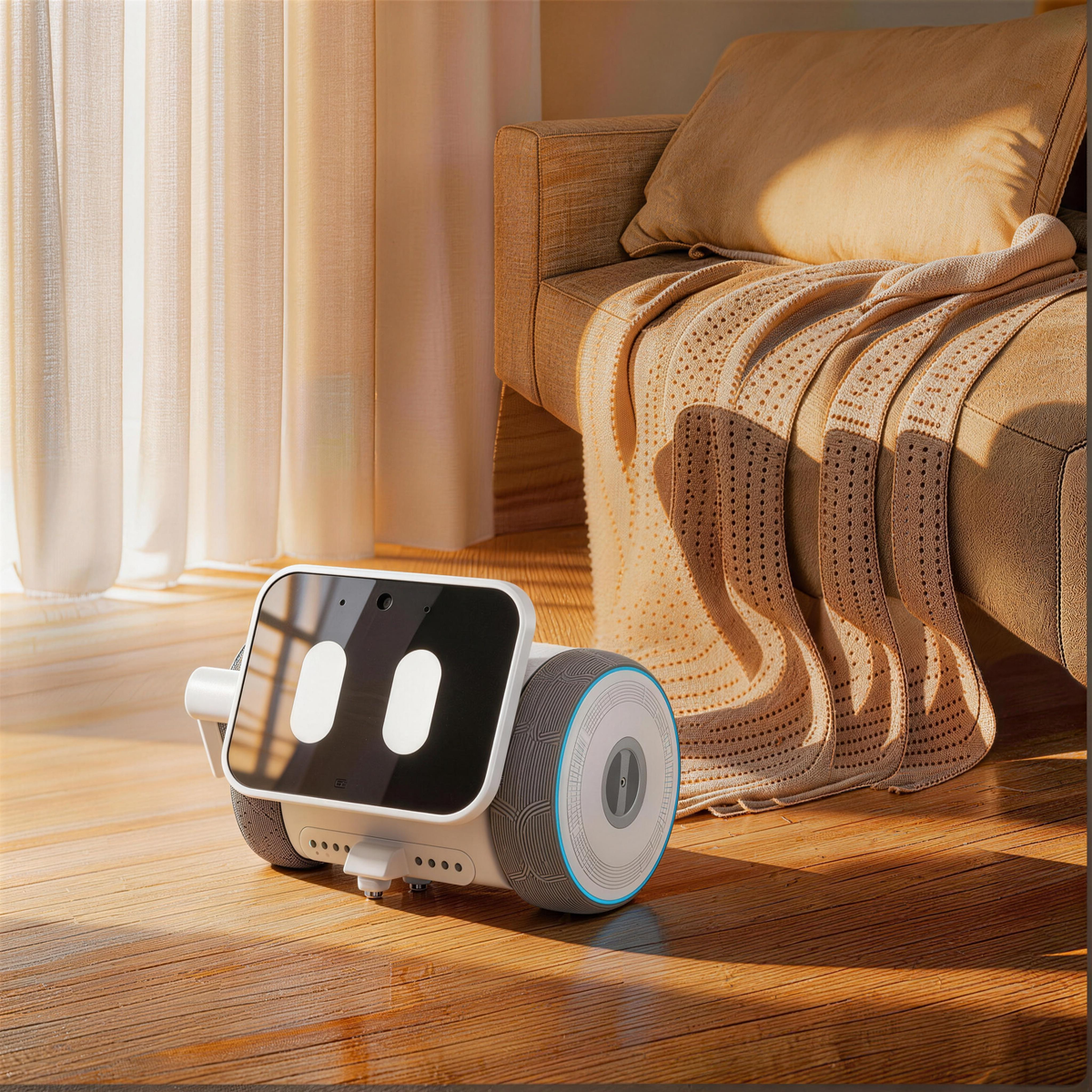

Creativity, From idea to Creation
From imagining new ideas to bringing them into the real world, Pubbo helps kids explore creativity through four playful journeys: Imagine, Express, Explore, and Design.


Designed for kids, Trusted by parents
Pubbo’s child-focused AI safety architecture analyzes conversations in real time, detects risks, and creates a safer space for kids to talk and explore.

Real-time Chat Monitoring
Pubbo checks conversations as they happen to help keep every chat kid-friendly and age-appropriate. If something inappropriate or unsafe comes up, its safety system can step in before the conversation goes further.

Privacy Protection
Kids may share personal details without realizing they should stay private. Pubbo is designed to recognize and protect sensitive information—such as names, addresses or contact details—to reduce unnecessary exposure during conversations.

Risk-topic Alert
When a conversation touches on harmful, dangerous or age-inappropriate topics, Pubbo can stop or redirect the discussion in a kid-friendly way and flag moments that may need a parent’s attention.
FAQs
Q1, What is Pubbo?
Pubbo is an AI creativity companion robot designed for children ages 3–10. It combines natural conversation, visual recognition, AI-powered creation, physical interaction, challenges and visual coding to help children ask questions, learn, explore and create through play.
Q2, How is Pubbo different from a robot pet?
Robot pets generally focus on companionship, emotional responses and entertainment. Pubbo adds visual recognition, AI-powered creation, discovery, challenges, invention and free coding, helping children turn their ideas into robot movements, programs and creative outcomes.
Q3, What can children do with Pubbo?
Children can talk with Pubbo, ask questions, recognize objects or images, experiment with AI-powered creation, control the robot, complete challenges, invent and use visual coding to design movements and interactions. Pubbo encourages children to propose ideas, test them and improve the result.
Q4, Which modes are available in the Pubbo App?
The Pubbo App currently includes Remote Control Mode, Challenge Mode, Invention and Creation Mode, Free Coding Mode and Profile.
Q5, What is required for first-time setup?
First-time setup requires Wi-Fi, Bluetooth pairing with a compatible smartphone, activation through the Pubbo App, basic profile information such as name and age, and voiceprint enrollment. Younger children should complete setup with adult assistance.
Q6, What happens if the AI produces inappropriate content?
Pubbo includes age-appropriate content handling, sensitive-topic detection, inappropriate-content filtering and positive redirection. If unsuitable content is detected, the system limits the response and guides the child toward a safer and more age-appropriate topic. Users can also report unusual responses through the feedback mechanism.


What's in the Box
 User Guide
Technical Specifications

Sensors
IMU
Infrared x 2
Light Sensors x 2
Sound Sensors x 2
Touch Sensors x 2
Camera / Microphone / OID

Compatibility
Pubbo App
iOS XXX+
Android XXX+
2.4GHz Wi-Fi
Indoor 4x4 Coding Map

Size & Weight
Pubbo: XXX x XXX x XXX mm
Weight: XXX g
Map: 200 x 200 mm

Battery & Charging
Battery: XXX mAh
Up to XXX hours
USB-C charging
Charge time: XXX hours

Materials
Body: ABS + PC
Face Panel: XXX
Wheels: XXX
Kid-friendly materials

Connectivity
Bluetooth
2.4GHz Wi-Fi
OTA Updates
App Control
A little news. A lot to explore.
Get playful ideas, product news and new ways to create with Pubbo.
By subscribing, you agree to our Privacy Policy.